
Executive Summary: Why Both Tools Exist
iorad and Navattic both enable interactive experiences on top of software, but they are designed to solve fundamentally different problems.
At a category level:
- iorad is training software, built to teach users how to complete real workflows through step-by-step execution.
- Navattic is demo automation software, built to help sales and marketing teams showcase software capabilities through interactive demos.
Neither platform replaces the other. The right choice depends on whether the goal is to demonstrate software or to train users to perform a process.
Video Walkthrough: Demo Tools vs iorad (Process Training)
Category Intent: Training vs Demo Automation
iorad: Step-by-Step Process Training
iorad is designed to create linear, click-by-click learning paths inside technology.
Typical use cases include:
- How-to process training
- Internal system enablement
- Customer onboarding and education
- SOPs and documentation
- Ongoing adoption reinforcement
Each tutorial is built around a specific process: how to complete a task, follow a workflow, or execute a repeatable action inside software.
Categorically, iorad is a training software. When you are building step-by-step, click-by-click linear paths in technology, it’s typically around a process.
Example Tutorial
Here's an interactive tutorial

Navattic: Interactive Product Demonstration
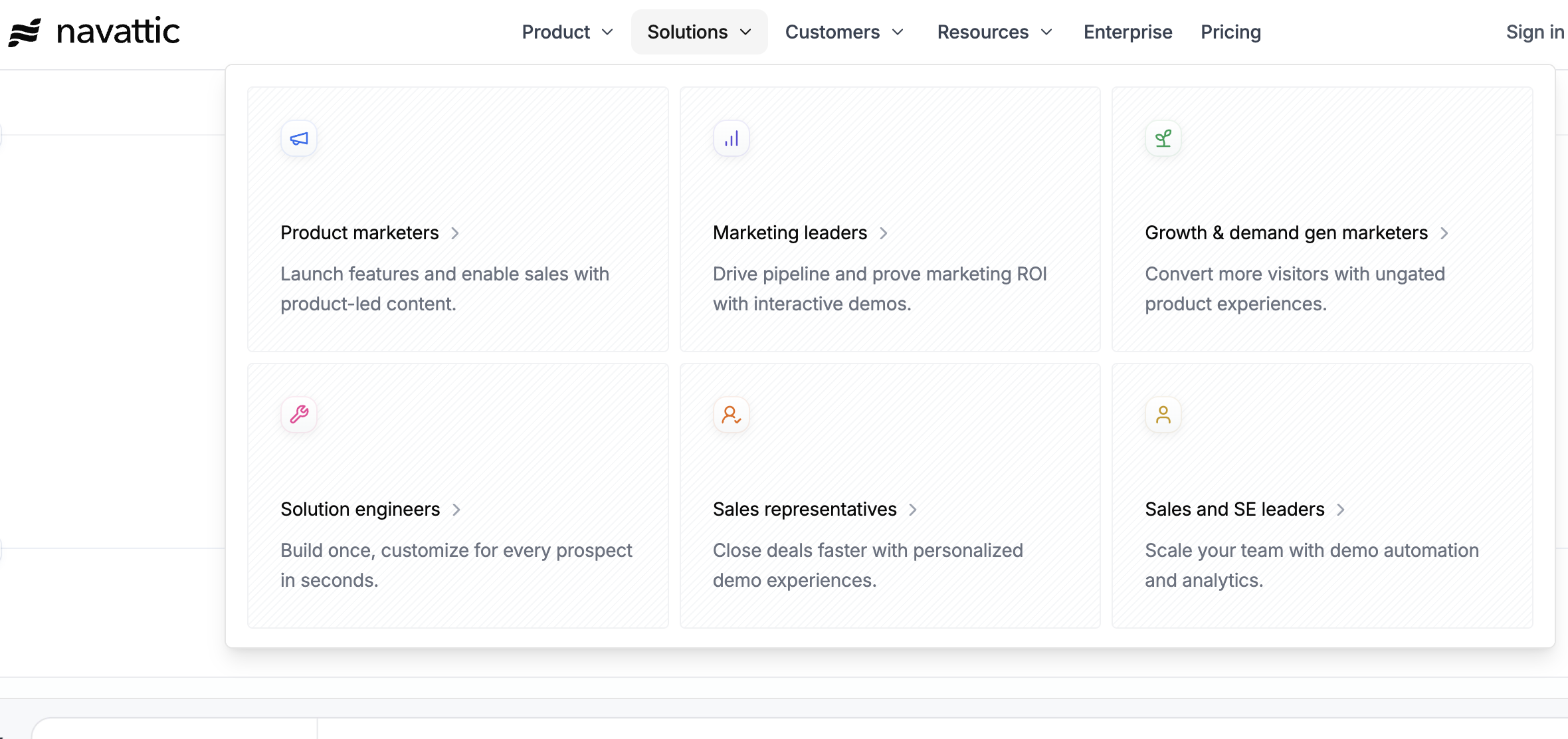
Navattic, by contrast, positions itself around sales and marketing use cases.
Its website highlights audiences such as:
- Product marketers
- Marketing leaders
- Growth and demand generation teams
- Sales representatives and solution engineers
The goal is to provide a frictionless way to explore a product without requiring a live demo or login.
These experiences are optimized for:
- Product storytelling
- Feature discovery
- High-level exploration
- Prospect engagement
Evidence from Navattic’s Website
Navattic’s own positioning is focused exclusively on Sales and Marketing, not training or process documentation.
Experience Design: Sandbox vs Guided Flow
Open Exploration in Demo Tools
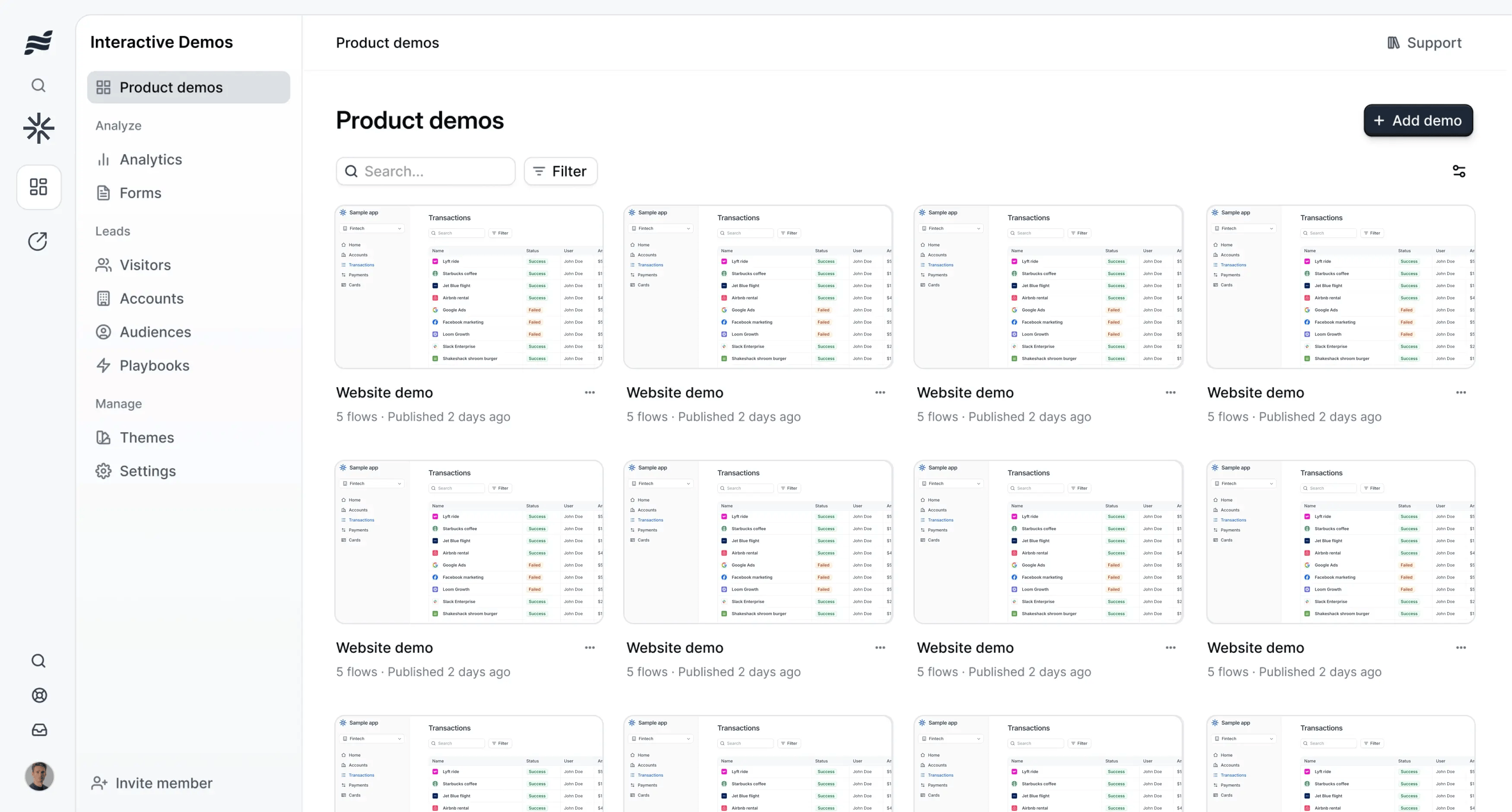
Demo automation platforms like Navattic are designed to create an open, exploratory environment.
As shown in the demo comparison:
- Users can click around freely
- Buttons and areas are selectively enabled
- The experience is curated, but not linear
- The focus is on seeing what exists, not completing a task
From the walkthrough:
“I’m able to click around… see what these different features and functions are, but it’s very high level. I’m not actually performing anything or being guided through a process.”
This approach works well for:
- Website demos
- Post-demo exploration
- Early-stage evaluation
Guided, Locked-Down Training in iorad
iorad takes a deliberately different approach.
Instead of an open sandbox, iorad creates a guided, process-oriented experience:
- Users cannot click anywhere on the screen
- Each step must be completed in sequence
- Progression is intentional and structured
- Voiceover or narration reinforces each action
As described in the demo:
“This is a very deliberate, process-oriented lockdown. It’s not letting me move around the screen. I have to click this button to get to the next button to complete the process.”
This design ensures users:
- Learn the correct way to complete a task
- Build muscle memory through repetition
- Are not distracted by unrelated features
Content Creation & Technical Lift
iorad: Low Lift, Anyone Can Create Content
- Content is created via a browser extension
- On any tool anywhere - desktop or browser based
- Anyone can create tutorials by capturing how they already work
- No engineering or web development required
- Output is a standalone, embeddable object
- Tutorials can live anywhere: LMS, help center, internal tools, documentation
This makes iorad easy to scale across departments and teams.
Navattic: Higher Technical Lift
- Content typically must be embedded into a website
- Often requires JavaScript injection
- Demo environments must be configured and maintained
- Creation is usually handled by marketing, sales ops, or technical teams
This approach supports polished demo experiences, but is less suited for decentralized process documentation.
Pricing & Licensing Considerations
iorad
- Lower barrier to entry
- AI voiceover included with standard licensing
- Content can be reused and exported (including PDF)
- Training content is treated as long-term institutional knowledge
Navattic
- Pricing reflects sales and marketing enablement use cases
- Advanced capabilities may require higher pricing tiers
- Content access is tied to an active subscription
- Demos are treated as live sales assets rather than documentation
Learning Outcome vs Awareness Outcome
The most important distinction is what success looks like.
With demo automation tools:
- Success is engagement
- Success is exploration
- Success is understanding what the product does
With iorad:
- Success is task completion
- Success is independence
- Success is repeatable performance without live help
As summarized in the walkthrough:
“Training locks down muscle memory in how to do something, whereas demo tools are much more high-level and presentation-oriented.”
Decision Tree: Which Tool Should Be Used?
Start with the primary goal:
Choose Navattic if the goal is:
- Showcasing a product
- Supporting sales and marketing motions
- Allowing prospects to explore features
Choose iorad if the goal is:
- Teaching users how to perform real workflows
- Reinforcing correct processes
- Scaling training and documentation
- Driving long-term adoption
In some organizations:
- Navattic supports pre-purchase exploration
- iorad supports post-purchase adoption and training
Summary
The difference between iorad and Navattic is not about features. It’s about intent.
- Navattic helps people see software.
- iorad helps people use software.
Understanding that distinction makes tool selection clearer for procurement, IT, and business teams.
Try both. Then decide.
You don’t have to guess. Build the same tutorial in both tools and see which one feels like a better fit for your team.
